Chatbot နဲ့ AI Agent ကွာခြားပုံ၊ goal၊ loop၊ tools နဲ့ guardrails ပါဝင်တဲ့ agent architecture ကို လေ့လာမည်။
ခဏလေး ဒီလိုပဲ စဉ်းစားကြည့်
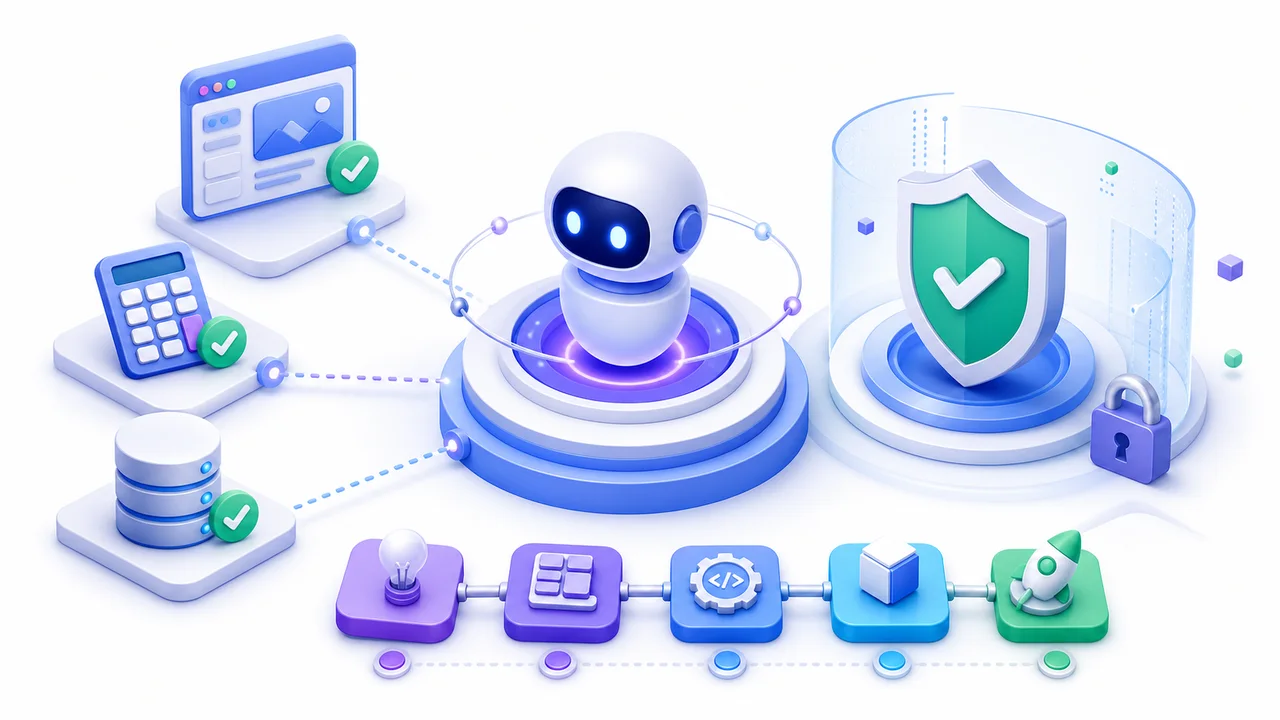
Chatbot က မေးခွန်းကိုအဖြေပြန်ပြီး ရပ်တတ်ပါတယ်။ Agent ကတော့ goal တစ်ခုရရှိဖို့ နောက်တစ်ဆင့်ဘာလုပ်မလဲ ဆုံးဖြတ်၊ tool ခေါ်၊ result ကိုကြည့်ပြီး ဆက်လုပ်နိုင်ပါတယ်။ ဒါပေမယ့် လွတ်လပ်မှုများလေလေ မှားနိုင်တဲ့နည်းလမ်းလည်းများလေလေ ဖြစ်ပါတယ်။
နေ့စဉ်ဘဝနဲ့ ချိတ်ကြည့်မယ်
Calendar ကြည့်ခြင်း၊ database ရှာခြင်း၊ report draft လုပ်ခြင်းလို tool အနည်းငယ်နဲ့ bounded agent က စတင်ဖို့ကောင်းပါတယ်။ ငွေပေးချေခြင်း၊ ဖျက်ခြင်း၊ လူတစ်ယောက်ဆီပို့ခြင်းလို action တွေမှာ user approval ထားပါ။
အတူတူ လက်တွေ့စမ်းမယ်
Goal → Decide next action → Call tool → Observe result
  ↑                                      ↓
└──────── Continue or stop ← Check successSafe, bounded AI agent တစ်ခုရဲ့ အစိတ်အပိုင်းများကို ဒီဇိုင်းဆွဲနိုင်မည်။၅ မိနစ် စမ်းကြည့်
Study-planner agent အတွက် goal၊ tools သုံးခု၊ မလုပ်ရမည့်အချက်၊ approval လိုမည့် action နဲ့ stop condition ရေးပါ။
သတိလေးတစ်ချက်
AI output ကို အပြီးသတ်အမှန်လို့မယူပါနှင့်။ အရေးကြီးတဲ့အချက်၊ code နဲ့ user data ကို လူကပြန်စစ်ပြီးမှ အသုံးပြုပါ။
OpenAI Agents SDK — OpenAI