Learn the basics of an AI API's request/response cycle, models, API keys, and server-side architecture.
Let's think about it this way for a moment
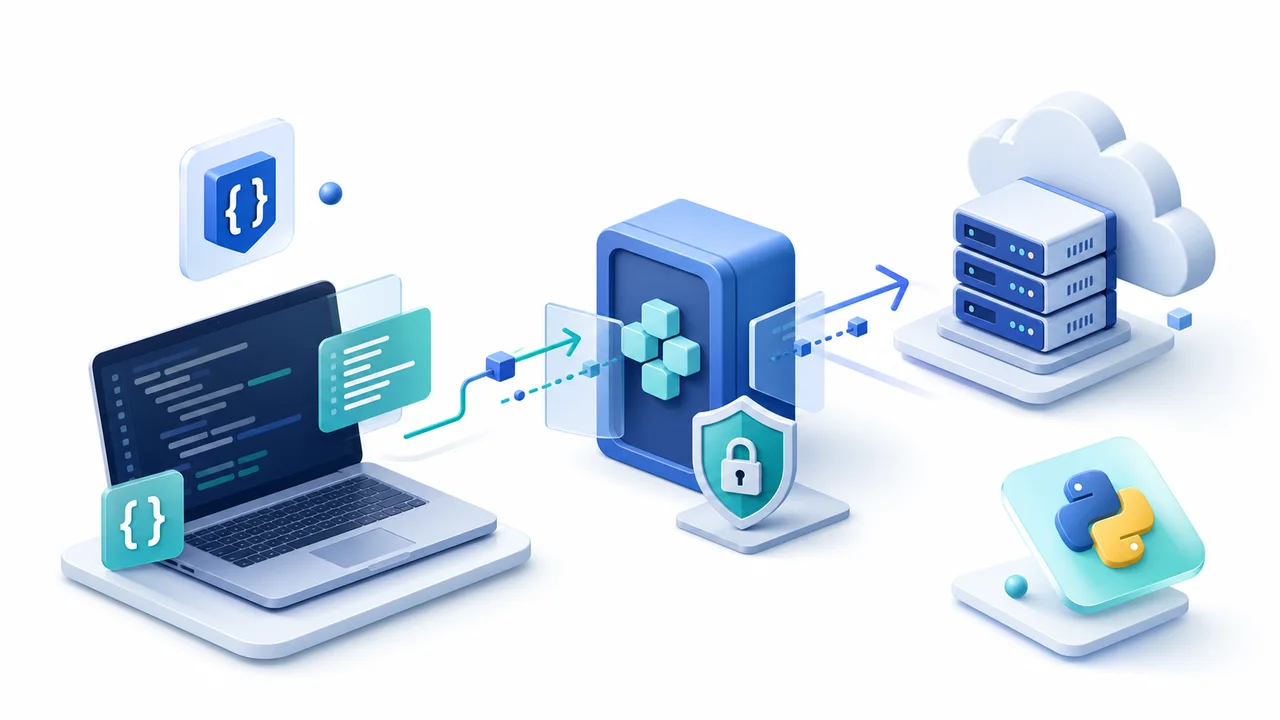
An AI API is the door through which your application sends an HTTPS request to a model service and gets a result back. The request carries the model and the input; the response carries the output and metadata. An API key is a secret credential that can rack up charges, so it should never live in browser code.
Let's connect this to everyday life
The correct flow is Browser → your backend → AI provider. On the backend you validate input, check authentication, apply rate limits, read the API key from an environment variable, and then call the provider.
Let's try it hands-on together
Browser
  ↓ POST /api/ask
Your server (validates + holds API key)
  ↓ HTTPS request
AI API
  ↓ response
Your server → BrowserYou'll be able to sketch and explain a secure AI API architecture.5-minute try-it
Draft a rough JSON for a chat feature's request body, response body, and three possible errors.
A quick word of caution
Don't treat AI output as the final, guaranteed-correct answer. For anything important — critical facts, code, or user data — have a human review it before you use it.
OpenAI API Quickstart — OpenAI