Build a command-line AI helper by calling the Responses API with the OpenAI Python SDK.
Let's think about it this way for a moment
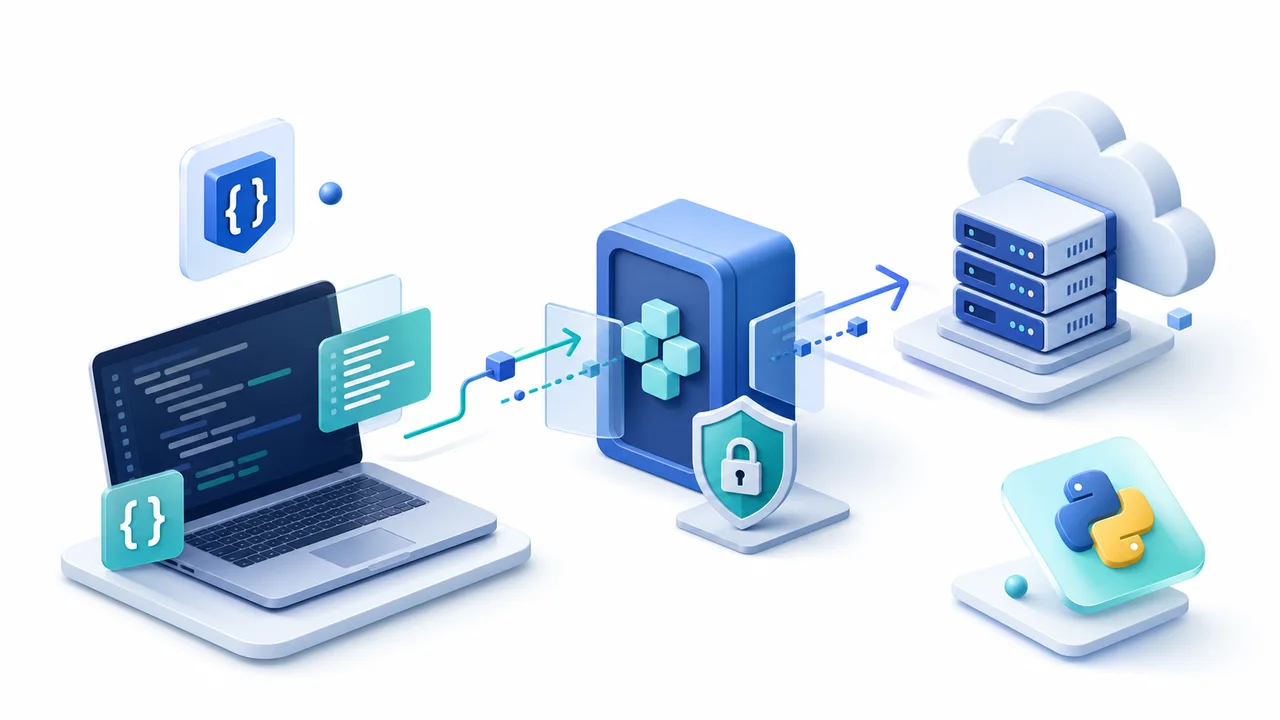
The Python SDK follows the same flow as JavaScript — build a client, send the model and input, read output_text. Using a virtual environment keeps each project's dependencies from tangling with one another.
Let's connect this to everyday life
Create an environment with python -m venv .venv, run pip install openai, and keep your key in an environment variable. Never hard-code a secret into your code.
Let's try it hands-on together
from openai import OpenAI

client = OpenAI()

response = client.responses.create(
    model="gpt-5.6",
    input="Git branch ကို beginner နားလည်အောင် မြန်မာလိုရှင်းပြပါ။",
)

print(response.output_text)A Python script will print the AI's answer to the terminal.5-minute try-it
Take a user's question with input() and call the API with it. Add validation and an exception message so an empty input never gets sent.
A quick word of caution
Don't treat AI output as the final, guaranteed-correct answer. For anything important — critical facts, code, or user data — have a human review it before you use it.
OpenAI API Quickstart — OpenAI
OpenAI — Using GPT-5.6 — OpenAI